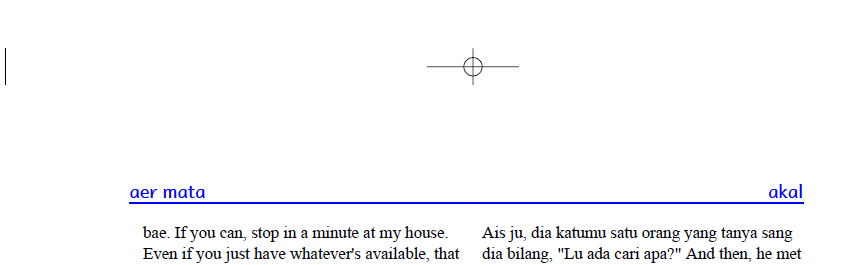
So how do I control the top margin?
I want less space between the guide word and the border.
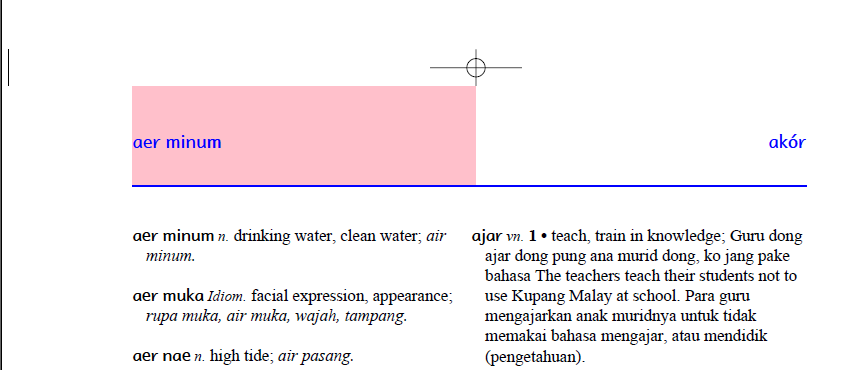
If I change the margin to
I get
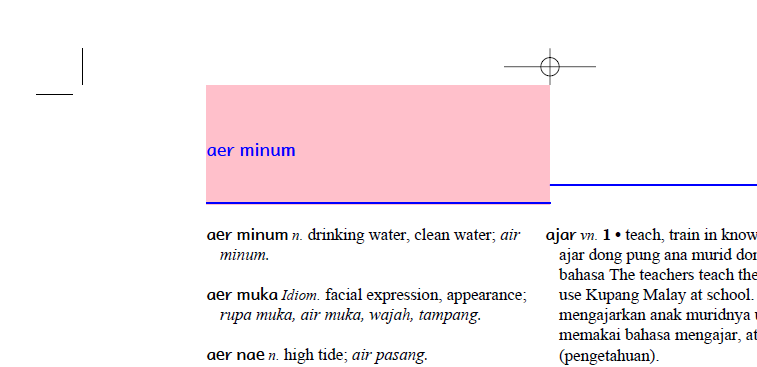
How do I get less space between the guide word and the border?
I want less space between the guide word and the border.
@page
{
    color: black ;
    counter-increment: page;
    direction: ltr;
    font-style: normal;
    font-weight: normal;
    font-size: 11pt ;
    font-family: Times New Roman, Gentium, Georgia, serif;
    line-height: 12pt;
    marks: crop cross ;
    size: 8.5in 11in portrait;      /* this line needed to compute page size */
    text-decoration: none;
    vertical-align: baseline;
    background-color: white ;

    @top-left
    {
        border-bottom: 1pt solid ;
        color: blue;
        content: string(LemmaString, first);
        font-family: Andika Basic, Comic Sans MS, arial, helvetica, sans-serif ; font-weight: bold ;
        font-size:12pt;
        font-weight: bold;
        margin: 0 0 12pt -9pt;
        background-color: pink;
    }
If I change the margin to
margin: 0 0 0pt -9pt;
I get
How do I get less space between the guide word and the border?
Jim Albright
Wycliffe Bible Translators